By Violet Harlow
USB-C power banks have become a practical tool for camping because one cable can charge a phone, a tablet, and many laptops. To get the most from one, you need to understand Power Delivery wattage, pick a cable rated for that wattage, and plan how you will share the bank across several devices. This guide explains those choices in plain terms.
What USB-C PD Power Banks Are and Who They Suit
Power Delivery, or PD, is a USB-C charging protocol that lets the power bank and the device negotiate how much power to send. Instead of a one-size-fits-all 5 W or 10 W output, a PD port can provide higher voltages and currents, which is what makes fast phone charging and laptop charging possible. If you are comparing power banks for camping, a USB-C PD port is worth looking for on any model.
These banks suit campers and RV travelers who want to carry a single charger for multiple small electronics, photographers who need to keep a mirrorless camera battery topped up, remote workers on domestic trips who take a laptop, and anyone with newer electronics that charge over USB-C. If you only need to keep a phone alive, a basic USB-A bank can work, but PD gives you faster refills and more flexibility.
How PD Wattage Affects Charging Speed
The wattage of a USB-C PD port determines the maximum charging speed the bank can deliver. A port rated at 18 W can charge a phone quickly but will struggle with a tablet or a laptop. A port rated at 65 W can often handle a phone, a tablet, and a compact laptop, and it is safe for a phone too, because the phone only draws the power it negotiates.
When you look at the output labels on a power bank, you will see figures like 18 W, 30 W, 45 W, 65 W, or 100 W. These are the maximum outputs the port supports, not the power it always delivers. The actual speed depends on the device, the battery level, the cable, and the state of charge of the power bank itself. That is why two different power banks with the same rated wattage can behave differently when charging the same laptop.
A rough guide to matching PD wattage to common devices is below. Always check the spec sheet on the power bank and the device you plan to charge.
| Device type | Typical PD wattage range | Implication for camping |
|---|---|---|
| Phone | 18-30 W | Even a small bank can fast-charge a phone over USB-C. |
| Tablet | 20-45 W | Look for a bank that delivers at least 30 W if you drain a tablet fully. |
| Ultraportable laptop | 45-65 W | Most compact laptops charge best at 45-65 W, but check the laptop’s power-adapter rating. |
| Full-size laptop | 65-100 W | Requires a high-wattage bank and a cable rated for 100 W. |
To estimate what your gear needs, use this formula: device wattage times hours of use equals watt-hours. For example, a fan drawing 10 W for 8 hours uses about 80 Wh. A laptop that pulls 60 W for 3 hours during a work session uses about 180 Wh. A phone charged for 2 hours at 20 W uses about 40 Wh. Add those together, then add roughly 15-20% for conversion losses in the power bank, and you will get a planning target for the rated capacity.
Laptop Charging and Wattage Matching
Laptops are the main reason campers move up to a high-wattage USB-C PD power bank. Many ultraportable laptops can charge at 45 W or 60 W, while larger models may require 65 W, 90 W, or 100 W. A power bank that delivers only 30 W will often charge a laptop very slowly, and in some cases it will not charge at all while the laptop is running under load.
Before buying a power bank for laptop charging, check the small print on the laptop’s original power adapter. It usually lists the output wattage, which is the safe target for your power bank. If the adapter says 65 W, look for a bank that can deliver 65 W or more on its USB-C PD port. Some laptops will accept a lower wattage and just charge slower, but that is not a guarantee.
Use a power bank with at least the same wattage as the laptop adapter for reliable charging while the laptop is asleep or off. For charging while you work, a bank that exceeds the adapter wattage can keep up with both the laptop and the battery. If your bank does not meet the adapter’s wattage, expect slow top-ups and check the manufacturer’s instructions for your specific laptop before relying on it.
High-wattage power banks are also useful for more than laptops. A 65 W or 100 W bank can fast-charge tablets, cameras, and phones, and it can usually charge two or three smaller devices at the same time without slowing down too much. If you have one of the larger models, look for USB-C power banks that explicitly list a laptop-specific output.
Cable Ratings: Why the Cable Matters
The cable is the easiest part of the charging chain to overlook. A USB-C cable that is only rated for 60 W will not safely deliver 100 W, even if the power bank and laptop can support it. Overloaded cables can heat up, charge at reduced speed, or simply stop carrying power.
Look at the cable’s wattage or current rating. Common labels include “3 A” and “5 A” for current, and these often correspond to 60 W and 100 W at typical PD voltages. When you buy a power bank, the cable included in the box may be a basic charging cable that works fine for a phone but is not rated for the full wattage of the bank’s PD port. For a laptop, buy a USB-C to USB-C cable marked as 100 W or 5 A, and keep that cable dedicated to the power-hungry device.
Damaged cables are a fire concern. Before every trip, check the connector ends for bent pins, cracked housings, or exposed wires, and feel the cable while charging. If it gets noticeably hot, stop using it and replace it. Store cables loose rather than tightly coiled, because sharp bends can break the conductors inside.
For multiple devices, you may want two cables: one high-wattage cable for a laptop or tablet and a lighter 3 A cable for phones and accessories. That way, you do not have to swap cables every time you switch devices, and you never accidentally use a low-current cable on a laptop that needs more.
Charging Multiple Devices from One Bank
A single USB-C PD power bank can charge several devices, but you need to understand how the bank shares its total output. Most banks have a maximum total output, which is usually lower than the sum of all ports. For example, a bank with a 65 W PD port and a 20 W second port may cap total output at 65 W, meaning if you charge a laptop at 65 W, the other port is not adding to the total.
Plan your charging order. Charge the laptop or tablet first while the power bank is fullest and the sun is still up, then top off the phone with the leftover capacity. If you carry camera batteries, charge them in pairs during a meal break, rather than slowly topping off one device at a time all evening.
Some power banks display the output wattage on a small screen, which lets you see how fast each port is sending power. That feature is useful when you are trying to diagnose why a laptop is charging slowly. In a campsite, it also helps you decide whether to wait, switch cables, or lower the laptop’s display brightness to reduce its power draw.
If your trip involves solar panels, a power bank with USB-C PD input can recharge more quickly from a solar setup. Read solar power banks explained if you want to know how solar input rates affect real-world charging.
Features That Matter
Beyond PD wattage and cable ratings, a few features make a power bank easier to live with on a camping trip.
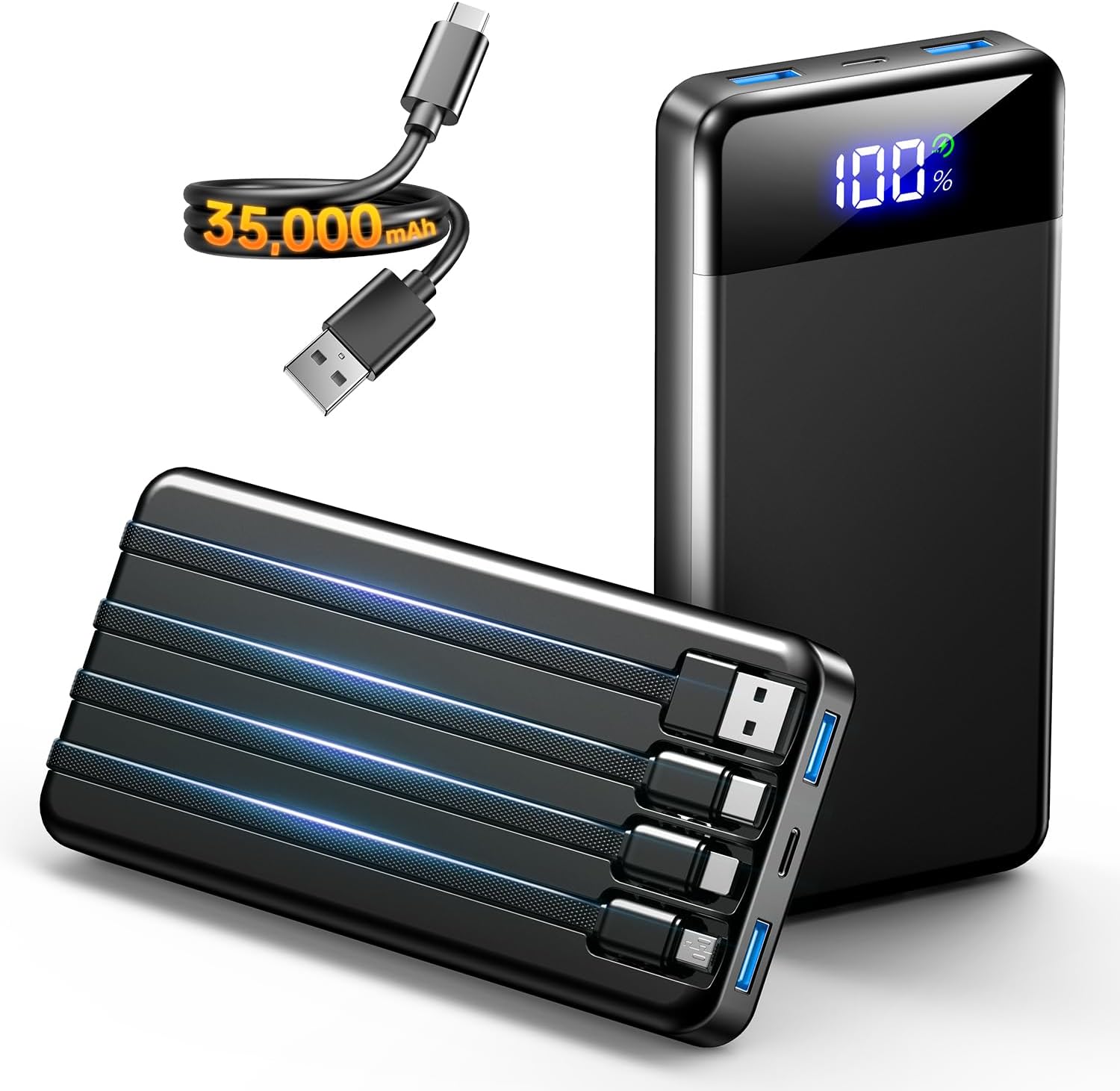
- Capacity and output ports: Look at the bank’s rated capacity in watt-hours or milliamp-hours, and count the outputs. Two USB-C ports and one USB-A port cover most needs. The total output figure on the label is the true ceiling when several ports are in use.
- Input speed: The same PD technology that charges your laptop can also recharge the bank. A higher-wattage input fills the bank faster when you have wall power at a hotel or a drive-in campground.
- Low-power mode: Small items like earbuds, flashlights, and smartwatches may shut off the power bank because they draw too little current. A low-power mode or a physical trickle-charge button keeps those devices topped up without cycling the bank on and off.
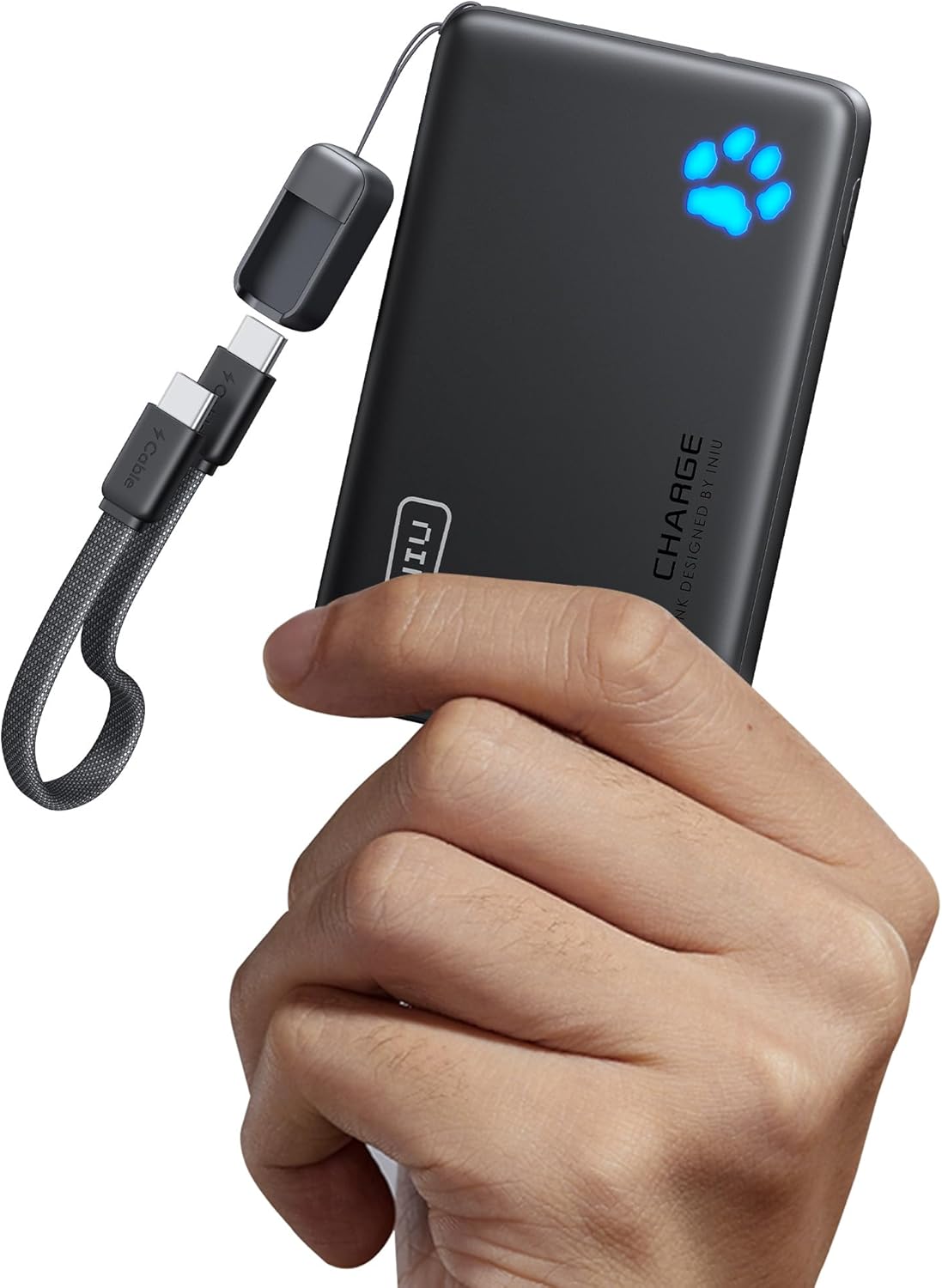
- Size and weight: High-wattage banks are physically larger and heavier than phone-sized ones. For day hikes, a compact bank may be more practical; for base camp or RVs, a bulkier bank gives you more laptop capacity. See how to choose a compact power bank for a day-trip perspective.
- Durability: Look for a rugged shell and IP-rated dust and water resistance if rain or humidity is likely. A bank with exposed USB ports can still collect dust and moisture, so keep port covers closed when not in use.
When you are comparing USB-C power banks, compare spec sheets, not just wattage labels. The same rated PD output can hide very different real-world behavior depending on the bank’s internal voltage converters and thermal limits. A good way to judge is to read the fine print on the output labels rather than trusting the marketing summary.
Common Buying Mistakes
One common mistake is buying a power bank with a high PD output but a low total capacity. A 100 W port is impressive, but if the bank holds only a small amount of energy, it will drain in a single laptop charge. Capacity and output are separate specs: output determines how fast energy flows, capacity determines how long the flow lasts.
Another mistake is matching the cable rating to the power bank rather than to the device. A 100 W cable works fine with a 20 W phone, but a 5 A cable is heavier and less flexible. Conversely, a 3 A cable can overheat if you use it to transfer 100 W. Always match the highest-wattage device you plan to connect.
Some campers choose a bank solely for its large number of ports, ignoring the total output. If a bank has three 20 W outputs, the total may only be 40 W, so charging a laptop from one port while charging a phone from another can slow both down. Look for the “total output” figure on the spec sheet.
Finally, avoid buying a power bank and never testing it before you leave. Charge your primary device with the exact cable you plan to use at home, and verify that it reaches the speed you expect. It is easier to exchange or return a failing bank before the trip than to discover the problem in a mountain town. Checking ahead also lets you learn how the bank behaves when the device is nearly full versus nearly empty.
Care and Upkeep
Heat is the main enemy of a power bank. Avoid leaving it in direct sun in a tent, on a hot car dashboard, or inside a closed cooler. Charge it on a dry, flat surface that can dissipate heat, and unplug it when it reaches a full state of charge.
Before each trip, inspect the bank’s USB-C port for debris, lint, or bent pins. Clean a dirty port gently with a dry soft brush or a can of compressed air designed for electronics. Never use metal tools or liquid cleaners.
If the bank gets wet, unplug it immediately, dry the outside with a towel, and let it air out for a day before attempting to charge it. If the casing is cracked or swollen, replace the unit. Do not try to open the bank to repair the battery.
For long-term storage, most manufacturers recommend keeping the bank partially charged rather than completely empty. Store it in a cool, dry place, and check the charge level every few months if you are not using it regularly.
FAQ
How many watts do I need for a laptop?
Check the wattage printed on the laptop’s original power adapter. Many ultraportables need 45 W or 60 W, and larger laptops may need 65 W to 100 W. A bank that delivers less than the adapter rating may charge slowly or not at all, especially while the laptop is running. For a deeper look, 30 Amp RV Power Cable: How to Choose, Test and Use One Safely (2026) covers this in detail.
Will a 65 W power bank charge my phone too?
Yes. A 65 W USB-C PD port works with phones and steps down to the lower wattage the phone requests. You can also use a lower-wattage cable if you prefer, as long as it meets the phone’s requirements. The phone will charge at its normal maximum rate or slower, depending on the cable and the port.
Can I charge multiple devices at full speed?
Usually not. The power bank has a total output ceiling that is lower than the sum of its ports. When you plug in several devices, the bank may divide its output or reduce the wattage to the first device. The spec sheet or the bank’s display will tell you how it splits power.
Why is my device charging slowly from a high-wattage port?
Check the cable first. A cable rated for only 3 A can limit the power to around 60 W. The device may also be in a trickle-charge stage when the battery is nearly full, or the power bank’s total output may be shared with other ports. Moving the device to a single-port session or using a higher-rated cable often fixes the slow charge.
USB-C PD takes most of the guesswork out of camping power because one port can talk to many devices. The key is to match the wattage to your laptop, choose a cable rated for that wattage, and plan your charging order before you leave the house.

About Violet Harlow
Violet has been writing about off-grid power for camping, rv & vanlife for this site, with an eye on clear explanations, honest trade-offs and options for different needs and budgets.